Plantalk AI
Watering Reminders for Every Plant
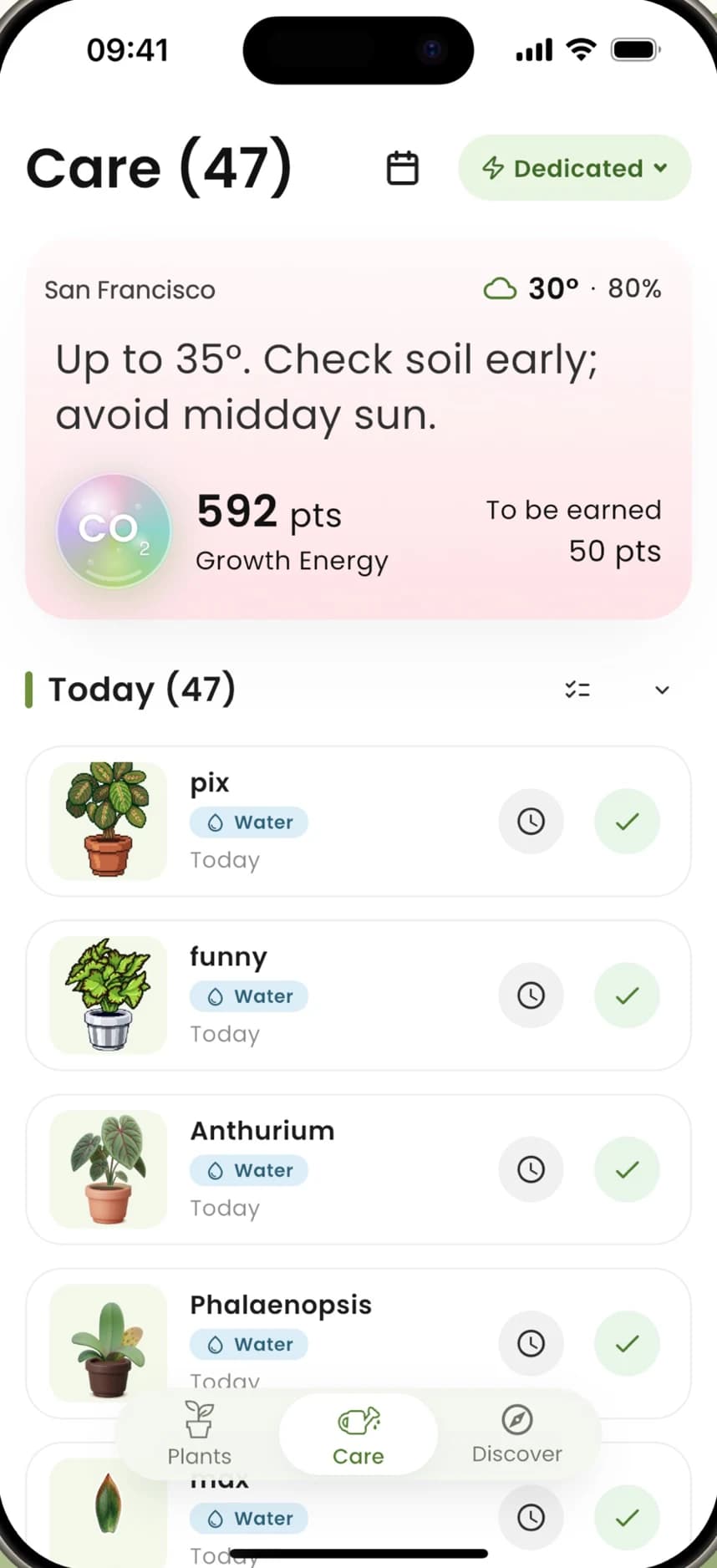
Plantalk AI gives each plant a care schedule, and the Care screen lists what to water and check each day. A care calendar shows every plant's routine across the month, and with location on, tips adjust for local heat and humidity.
Free on iPhone, iPad and Android · Updated November 8, 2026 by the Plantalk AI team


Your Plant Care, Day by Day
Add your plants
Each plant you add with a photo gets its own care schedule.
Open Care
Today's tasks are already sorted: what to water and what to check.
Done or skip
Mark each task done or skip it, and earn Growth Energy points as you keep up.
Check the calendar
See each plant's routine across the month.
Care That Fits Your Plants
Care calendar
Every plant's routine across the month, plant by plant.
Weather-aware tips
With location on, tips adapt to local heat and humidity, like checking soil early on a hot day.
Away mode
Plan care before a trip and leave notes for your plant sitter. On iPhone and iPad from version 1.0.6.
Live soil moisture
With a Plantiemoji sensor, see soil moisture and get a warning when it reads zero.
°C or °F
Choose Celsius or Fahrenheit for every reading.
Growth Energy
Earn points as you keep up with care tasks.
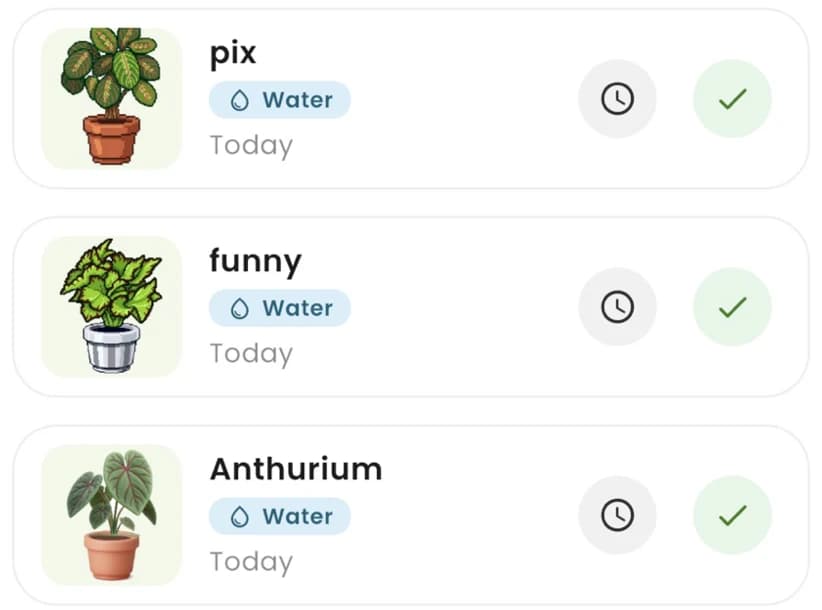
Today's care list.
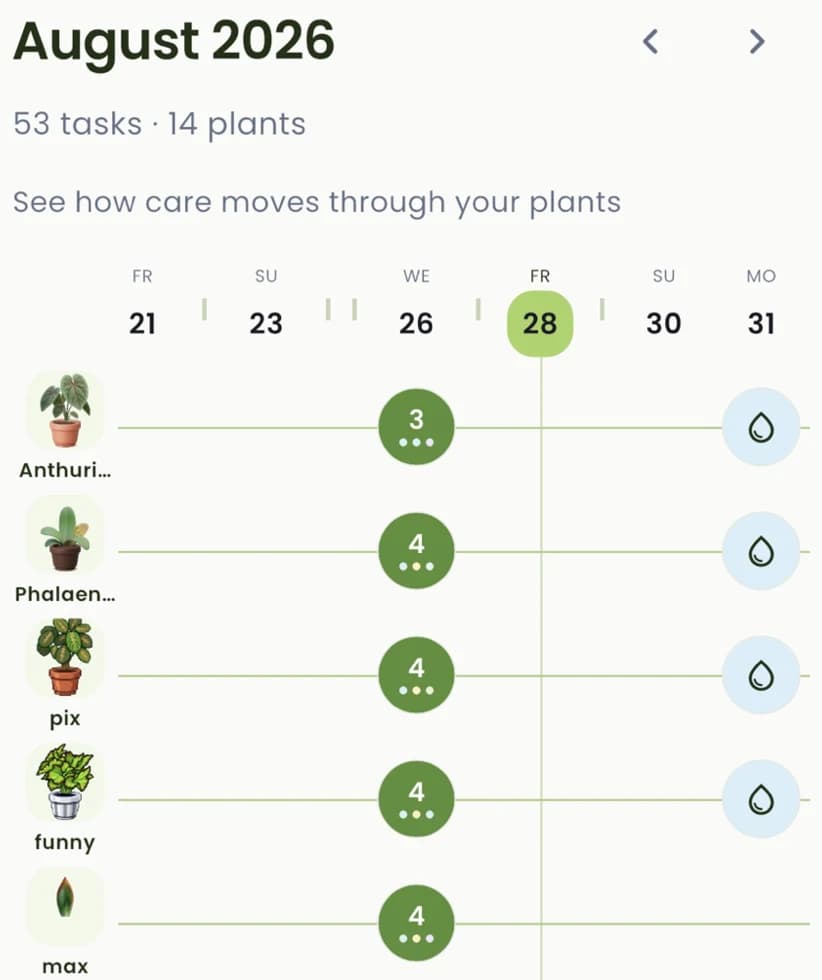
Each plant's routine across the month.
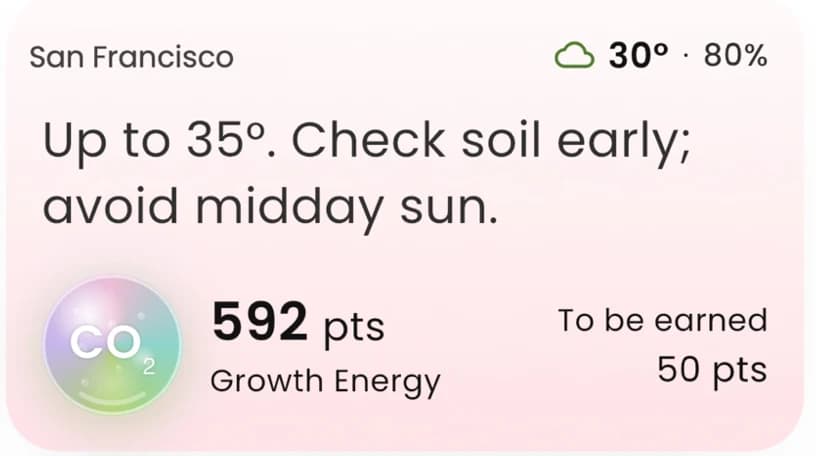
Tips that account for local weather.
Common Questions
Does Plantalk AI remind me when to water my plants?
Yes. Each plant gets a care schedule, and the Care screen lists what to water and check each day. The care calendar shows every plant's routine across the month, and with location on, tips adjust for local heat and humidity.
How does Plantalk AI decide when a plant needs water?
Each plant's care schedule is based on its profile. With location on, care tips take local heat and humidity into account, and with a Plantiemoji sensor you can also see the soil's moisture live.
Can I plan plant care before a trip?
Yes. Away mode lets you plan care before you leave and write notes for whoever looks after your plants. It's available on iPhone and iPad from version 1.0.6.
Can I skip a care task?
Yes. Each task on the Care screen can be marked done or skipped.
Does it work on Android?
Yes. Plantalk AI is on iPhone, iPad and Android, and care tasks are part of every version. Features can differ slightly between the iPhone and Android versions; Away mode, for example, is on iPhone and iPad from version 1.0.6.
More in Plantalk AI
Get Plantalk AI Free
On iPhone and iPad with iOS 15 or later, and on Android. Pro is an optional subscription in the app.